
Exporting Your Work
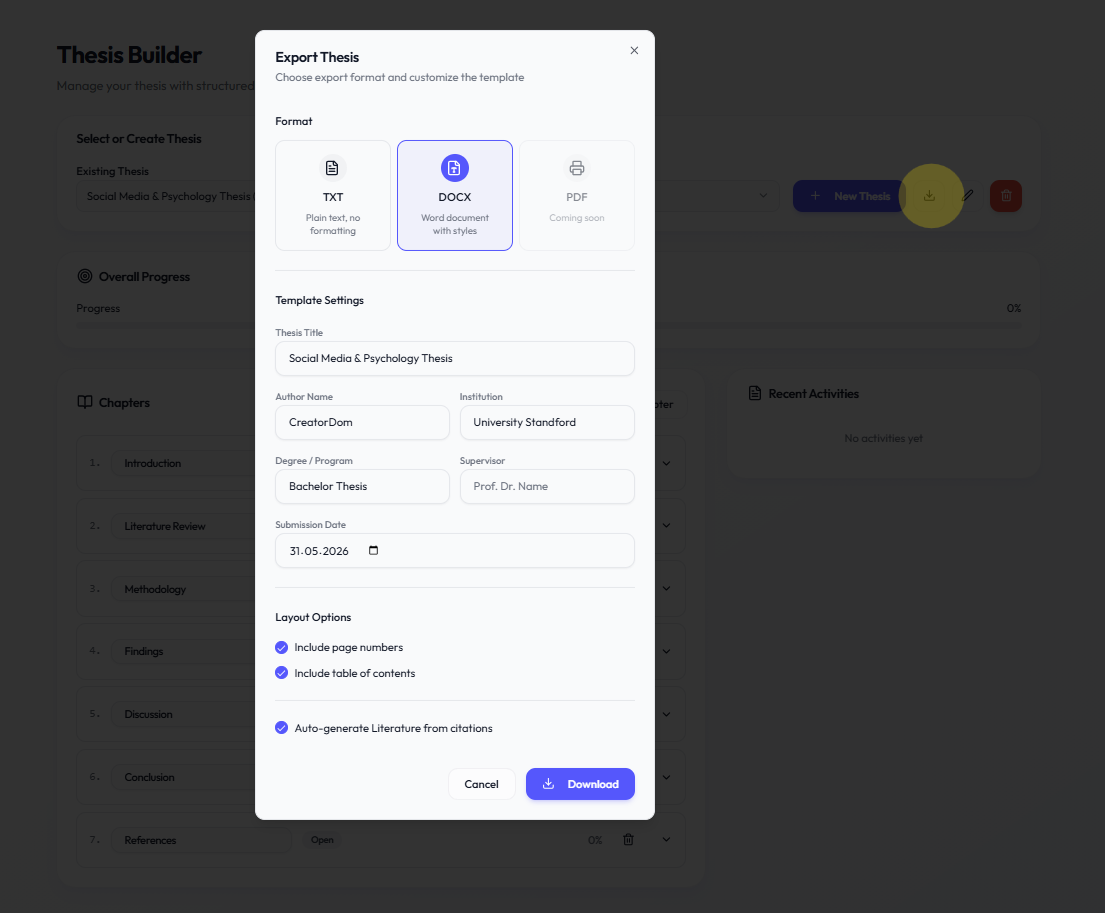
Academly allows you to export your thesis content in various formats for final submission or external editing.
What this section is about
When your thesis is ready (or in progress), you can export chapters and sections to Word documents with proper formatting and numbering.
When you should use this
Export your work when you:
• Are ready to submit or share
• Want to continue editing in Word
• Need a formatted document
• Want to create checkpoints
How it works
Important notes
• Review formatting after export
• Your university may have specific templates
• Export regularly to create backups
• Section order reflects your outline order