
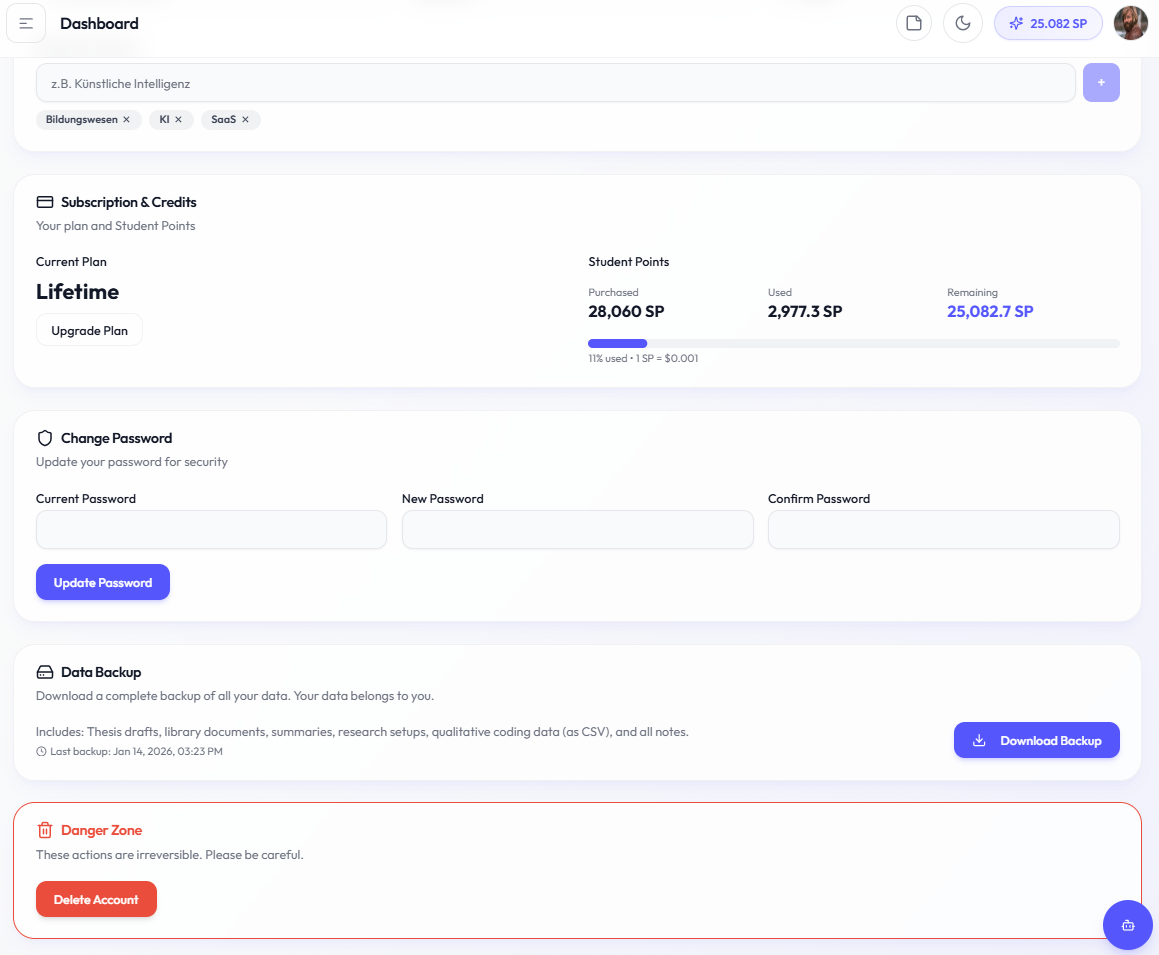
Data Backup
Academly allows you to download a complete backup of all your data. Your data belongs to you.
What this section is about
Data safety is important for any long-term project. The backup feature creates a downloadable ZIP file containing all your documents, generated content, notes, and qualitative data.
When you should use this
Create backups when you:
• Reach major milestones
• Before making significant changes
• Want peace of mind
• Are completing your thesis
How it works
Important notes
• Backups may take a few minutes for large libraries
• Regular backups are recommended
• Store backups in multiple locations
• Last backup date is tracked for you
No comments to display
No comments to display